From accounting records to subscriptions
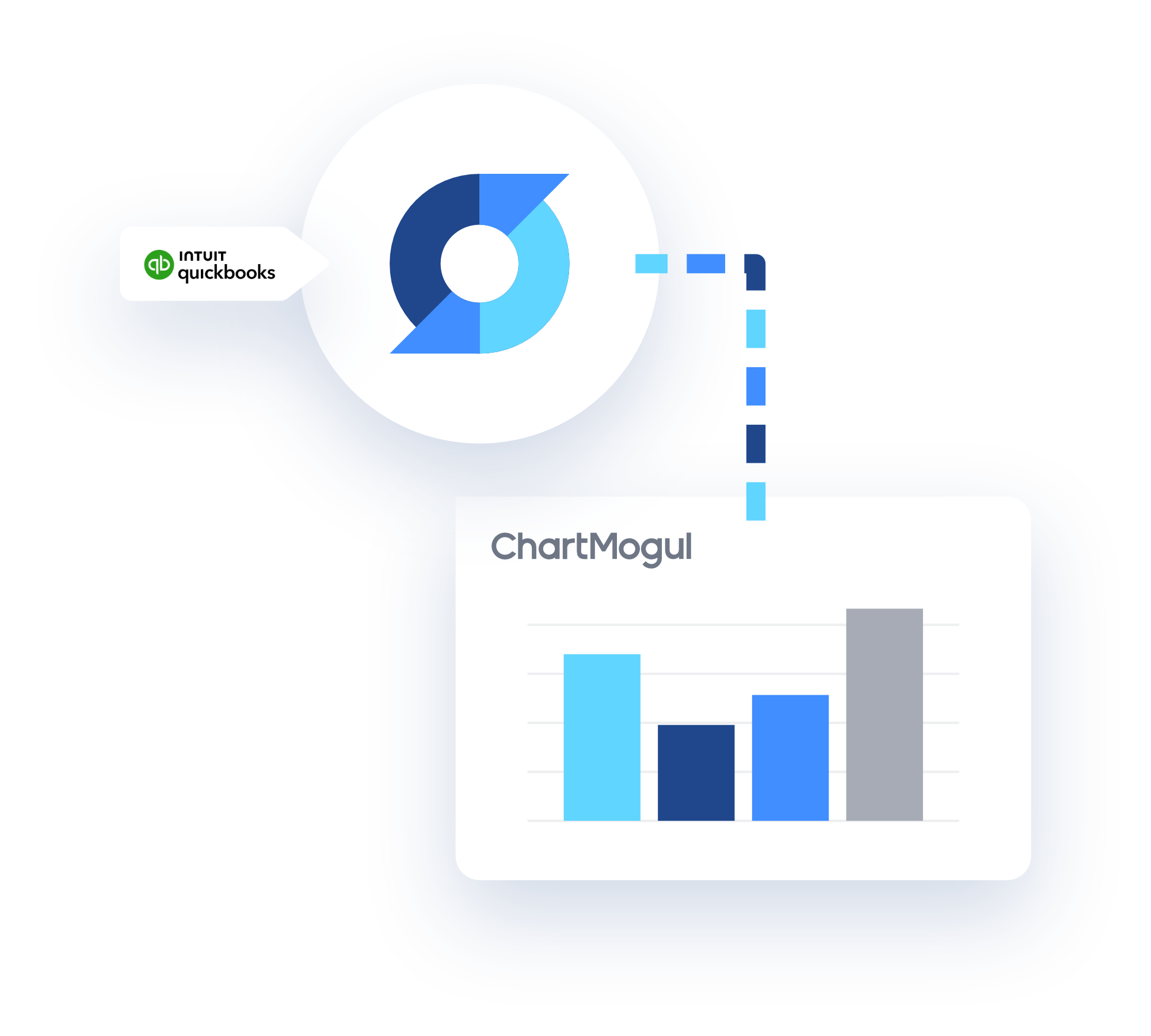
SaaSync transforms invoices, credit memos, payments, and optionally sales receipts into data ChartMogul can use for subscription analytics.

Turn QuickBooks Online invoices into MRR, churn, and retention reporting in ChartMogul while keeping your existing billing workflow.
For subscription businesses that bill in QuickBooks Online and need to understand recurring revenue beyond their accounting reports.

SaaSync transforms invoices, credit memos, payments, and optionally sales receipts into data ChartMogul can use for subscription analytics.
Import historical transactions or choose a starting date. Enable service-period inference for recognizable product names and descriptions.
Use consistent products and service periods to distinguish subscription fees from implementation, training, and other non-recurring charges.
Records missing subscription information enter the SaaSync review queue. Add the missing fields before sending those records to ChartMogul.
Use recurring-template pause or end dates, configure SaaSync auto-cancellation, or enter cancellations yourself.
Sales receipts are optional. Exclude transactions already represented by another billing source to help prevent overlapping imports.
Enter the subscription’s service period in the invoice line description. SaaSync uses those dates to turn the yearly charge into monthly recurring revenue.
| Product / service | Amount |
|---|---|
| Gold Plan (Yearly)DescriptionSubscription service period from Jan 2, 2026 to Jan 2, 2027. | $1,200 |
| ImplementationDescriptionOne-time implementation fee. | $300 |
| Invoice total | $1,500 |
$1,200 ÷ 12 months =
$100 MRRMonthly recurring revenue
Implementation fee · Excluded from MRR
Keep one-time fees on a separate product/service. SaaSync can usually read the service dates from the line description; you can fill in missing subscription details in the review queue.

This integration supports QuickBooks Online. QuickBooks Desktop is not supported.
Read the detailed guideYes. Leave the starting-date setting blank to import available history, or set a date to limit the import. Sales receipts are excluded by default and can be enabled.
Read the detailed guideThe documented sync interval is every 10 minutes. Initial imports can take longer; completing the import and processing the results in ChartMogul are separate steps.
Read the detailed guideRecurring transactions with consistent products can be classified automatically. For manual entries, include complete service-period dates in the line description. Supported invoice-header custom fields can also supply dates; those dates apply to every line on that invoice.
Read the detailed guidePause or end the recurring invoice template so SaaSync can send a cancellation date. You can also configure auto-cancellation after a chosen past-due threshold or enter a cancellation manually. Deleting a template does not provide a reliable cancellation signal.
Read the detailed guideNo. Some records need review when accounting data does not identify the subscription or service period. Delayed charges and delayed credits are not supported.
Read the detailed guideIncluded with ChartMogul. Including its free tier. Optional custom sync logic: $100/mo.
Create a free SaaSync account, connect your billing source, and add ChartMogul as the destination. Follow the linked setup guide for the permissions and options your source needs.
Optional custom sync logic starts at $100/mo. Talk to us about your billing model, import rules, or migration needs before choosing a setup.
Create your SaaSync account and follow the connection guide. If your billing setup needs a closer look, contact us before importing.
Connect QuickBooks Online