Bring the billing lifecycle together
Import customers, subscriptions, invoices, credit notes, and payments through the Chargebee API.

Bring Chargebee subscription billing into ChartMogul, with control over deleted-customer imports and optional webhook updates.
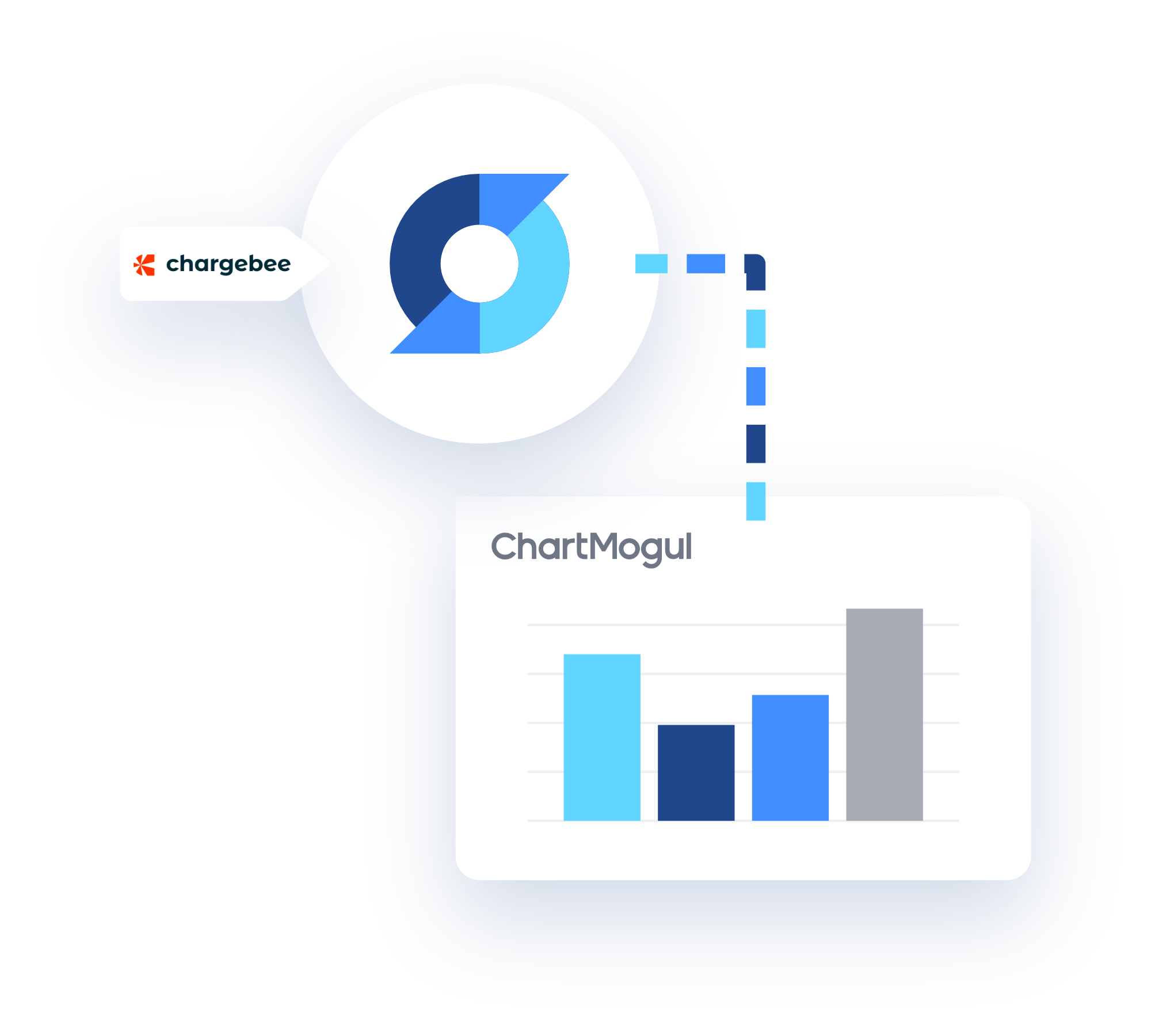
For Chargebee teams evaluating SaaSync’s billing-data import and configuration options for ChartMogul.

Import customers, subscriptions, invoices, credit notes, and payments through the Chargebee API.
The source offers an option to include deleted Chargebee customers.
Configure Chargebee webhooks to help keep the connection current after the initial import.


Yes. The authentication guide supports a Chargebee read-only: all key.
Read the detailed guideWebhooks are optional. The setup guide explains how to enable updates for all events.
Read the detailed guideReview the documented ChartMogul churn setting so billing-system cancellations are recognized as intended. The setting affects all data sources in the ChartMogul account.
Read the detailed guideChartMogul also offers native connections for this platform. SaaSync is an option when your billing model needs different import rules or custom sync logic. Discuss the requirements and SaaSync pricing before choosing a connection.
Read the detailed guidePlans start at $19/mo. Per connection source. Optional custom sync logic: $100/mo.
Create a free SaaSync account, connect your billing source, and add ChartMogul as the destination. Follow the linked setup guide for the permissions and options your source needs.
Optional custom sync logic starts at $100/mo. Talk to us about your billing model, import rules, or migration needs before choosing a setup.
Create your SaaSync account and follow the connection guide. If your billing setup needs a closer look, contact us before importing.
Connect Chargebee